Trams and buses
- Scope
- Stops in the Zurich fare network area
- Transport modes
- City and regional trams and buses
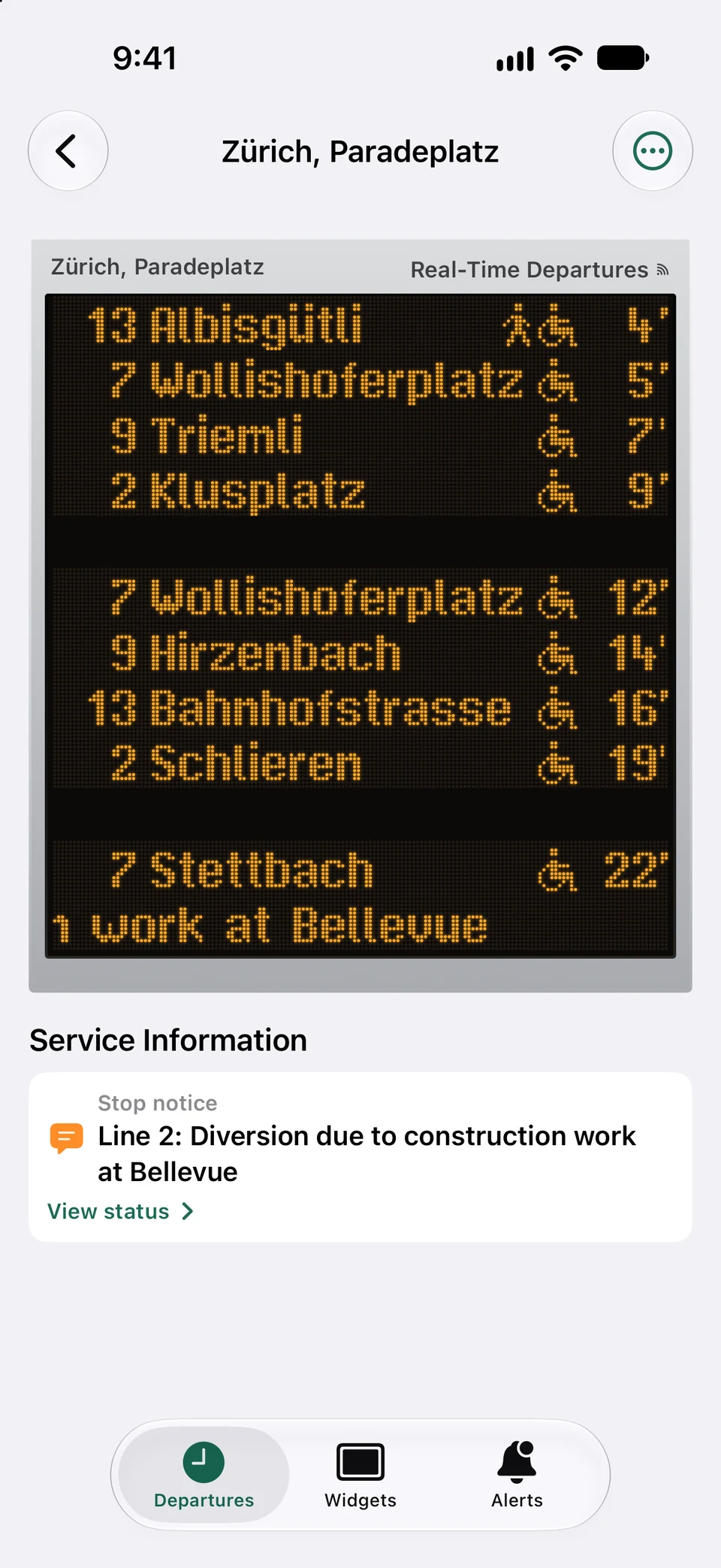
Stops served by the city and regional operators of the Zurich fare network—Winterthur's buses included—wear the amber Zurich LED sign.
Zurich coverage guide
Zurich's trams, buses, S-Bahn trains and lake boats on your iPhone, with real-time delays wherever they are reported. Stops of the city network wear the amber LED sign that hangs at Zurich's stops, drawn dot by dot.
Independent app; not affiliated with the transport operators named on this page.
Operators & coverage
Zurich is part of PT Widgets' nationwide Swiss coverage, so every stop in the city and the surrounding region is available—not only the city network. Which display a stop wears depends on the departures it shows.
Stops served by the city and regional operators of the Zurich fare network—Winterthur's buses included—wear the amber Zurich LED sign.
A board that trains dominate, such as the main station's, wears the blue station board with platforms and train categories.
Every other stop in the national timetable is available too; one that no city rule claims wears the Zurich sign.
Zurich coverage guide
Every letter and pictogram is a fixed pattern of LEDs in the lettering the public display guideline prints, with the unlit dots faintly visible behind the black glass.
Medium and small widgets show the four-row stop sign; the large widget and the app's monitor show the two-module large sign, with a platform column where departures leave from several platforms.
A reported time ends in a minute mark, a vehicle pictogram replaces the minutes just before departure, “>” marks a run at least three minutes late and a cancelled run says so in the destination column—as on the real sign.
On the large widget and in the app, service notices take the sign's bottom rows as a headline over running text, at the reading speed of the real signs.
Paradeplatz, Central or Bellevue serve many tram lines in several directions. Save the stop, then filter it to the lines and directions you actually take, so the widget's rows go to useful departures.
Where a tram stop and a railway station sit side by side, a combined board brings both together. The design follows the departures it shows: mostly trains wear the station board, otherwise the Zurich sign.
Zurich departures carry real time wherever a delay is reported for the trip. A board without any forecast shows a timetable-only line at the bottom, as the real signs do.
Zurich coverage guide
Search for “Zürich” followed by the stop name—“Zürich, Paradeplatz”—to tell city stops apart from stops of the same name elsewhere, then narrow the board to your lines and directions.
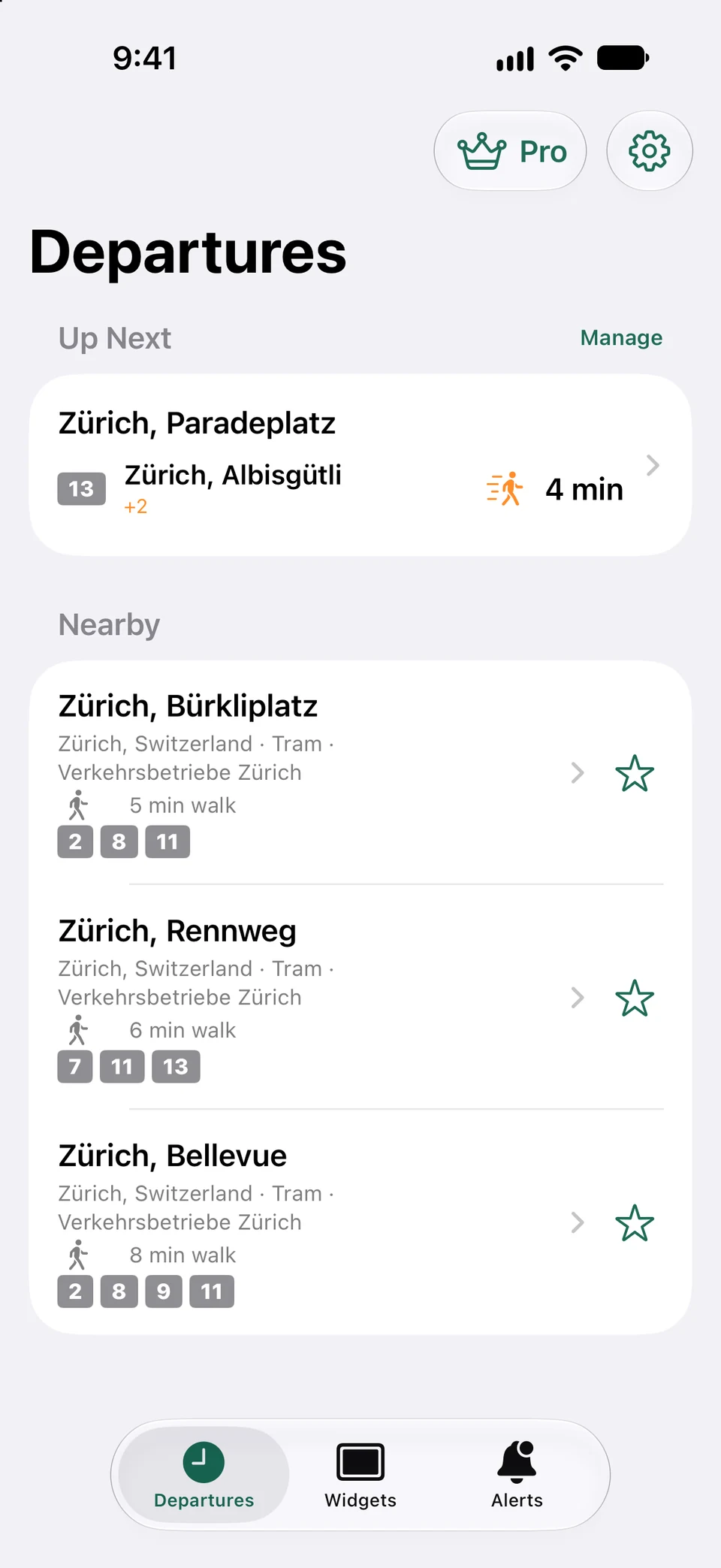
Search for a station, open its departure board, and add it to your favourites. You can also create a combined board when several nearby stops belong to the same journey.
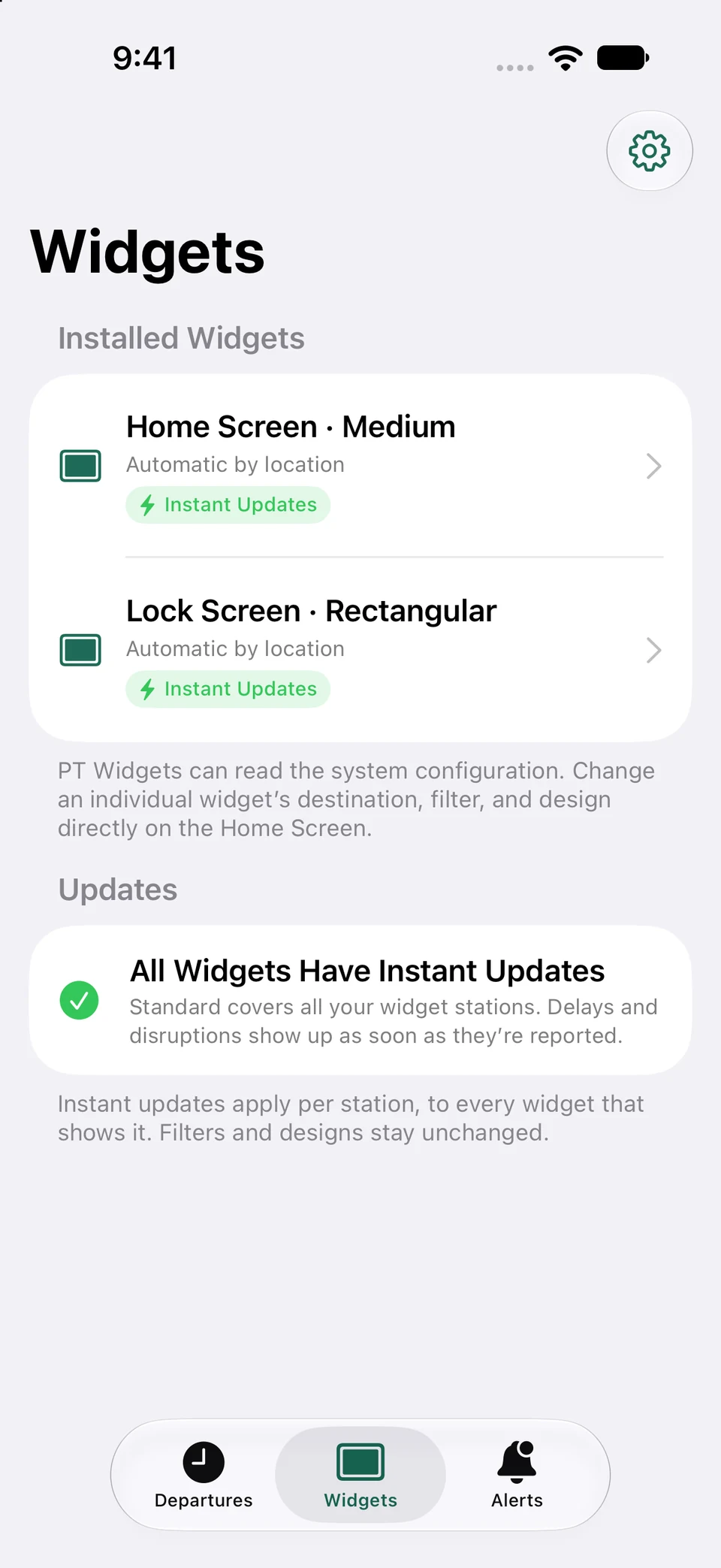
Touch and hold an empty area of the Home Screen, choose Add Widget, search for PT Widgets, pick a size, and place it where it is useful at a glance.
Touch and hold the placed widget, choose Edit Widget, then select a fixed favourite or automatic-by-location mode. Filters and display design can be changed per widget.
The countdown keeps moving between updates. Refresh when needed and check the real-time or stale-data indicator before leaving.
Real app captures
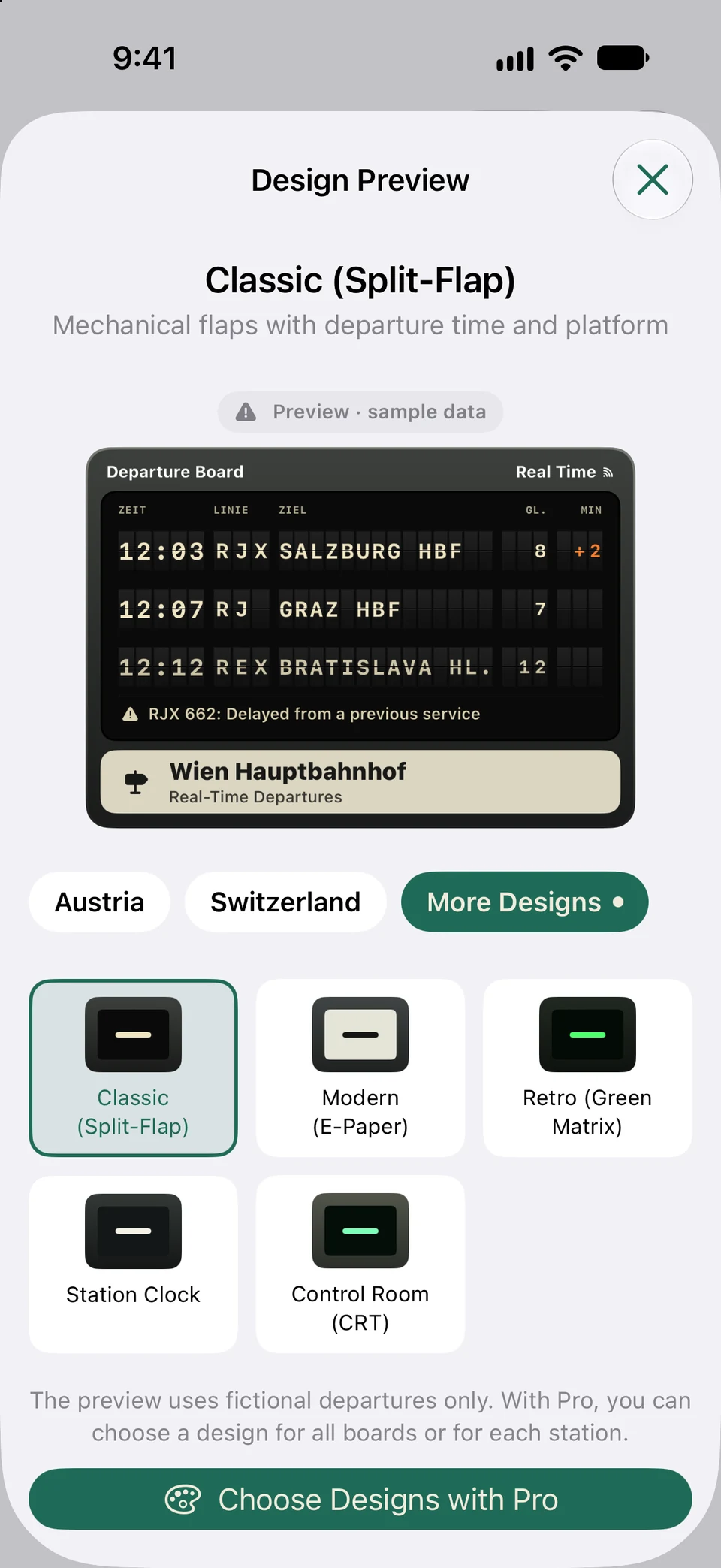
Saved boards, the station monitor and widget management work the same way for Zurich stations; Zurich stops wear the amber LED sign.
Captured from the current app using representative sample departures.
FAQ
Tram and bus stops of the Zurich fare network wear the amber Zurich LED sign, and boards that trains dominate wear the blue station board. With Pro you can choose another design for any station.
Yes. Every Swiss stop is covered, so S-Bahn, regional and long-distance trains are available alongside trams, buses and boats.
Not yet. Service notices appear on the boards, but line disruption alerts are currently available for Vienna and Linz only.
Now on the App Store
Download PT Widgets from the App Store and put your next departures right on your Home Screen.